Best Password Managers for Families 2026: Sharing, Recovery & Kids
Compare password managers for families in 2026, including 1Password, Bitwarden, NordPass, and Proton Pass, with a practical rollout plan for parents.
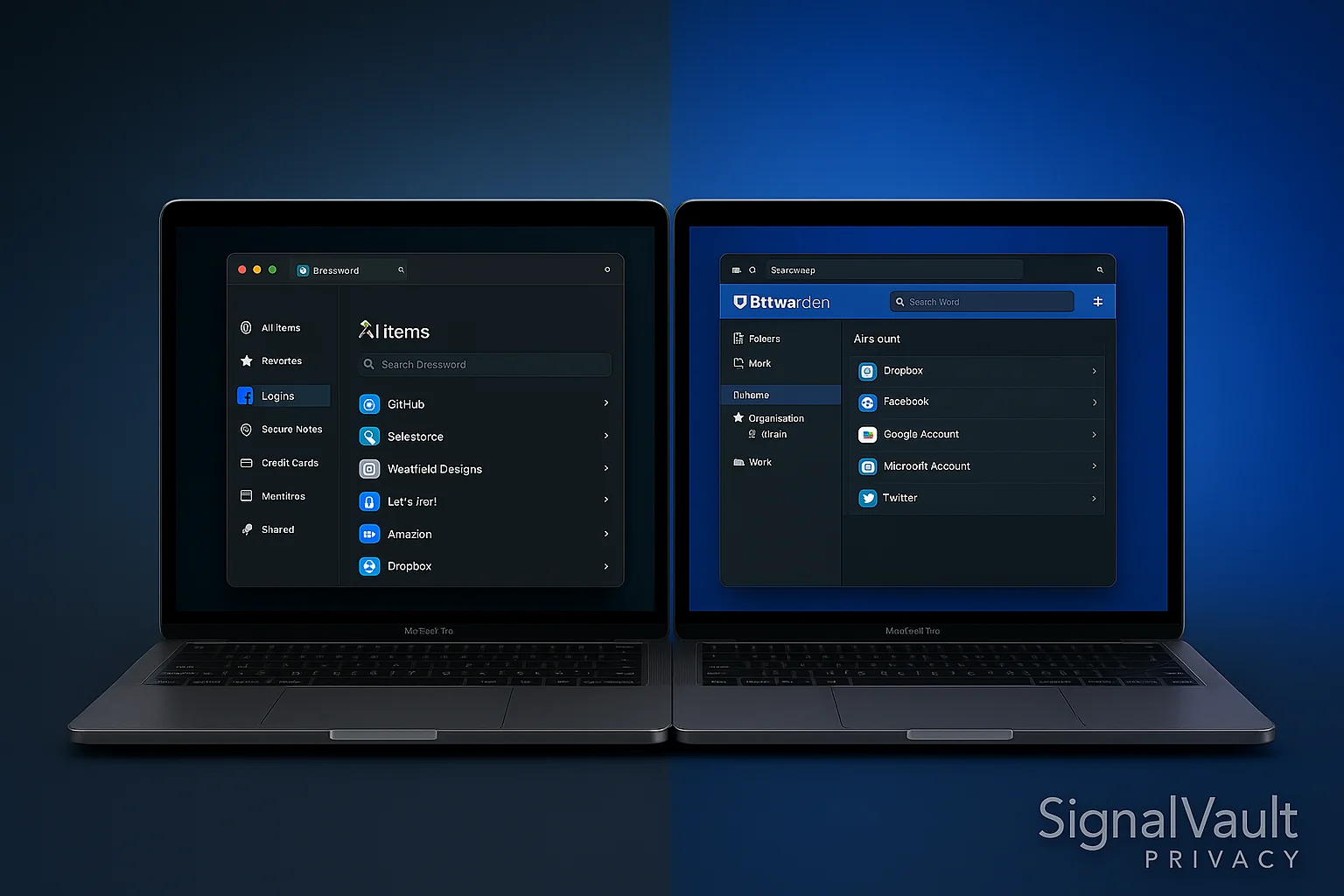
Password Manager Comparison
Compare key features and pricing to find the best option for your needs
| Feature | 1Password | Bitwarden |
|---|---|---|
| Storage | 1GB secure storage | Unlimited |
| Platforms | Windows, macOS, Linux, iOS, Android | Windows, macOS, Linux, iOS, Android, Web |
| Rating | | |
| Price | $2.99/month | $0/month |
A family password manager has one job: make safer logins easy enough that everyone actually uses it. The best choice is not always the cheapest vault. It is the vault your partner, teenager, parent, or less technical family member can open without texting you for help.
For most families, start with 1Password if ease of use and shared vaults matter most. Compare Bitwarden if price is the constraint, NordPass if you want a broader security stack, and Proton Pass if your household already uses Proton Mail or Proton VPN.
Family Password Manager Quick Picks
| Family need | Best fit | Why it works |
|---|---|---|
| Easiest rollout | 1Password | Polished apps, family sharing, recovery, and less setup friction |
| Lowest-cost family setup | Bitwarden | Strong free tier and affordable paid plans |
| VPN plus password stack | NordPass | Good fit if your family also compares NordVPN |
| Proton household | Proton Pass | Pairs naturally with Proton Mail, Proton VPN, and aliases |
What Families Need That Solo Users Do Not
Individual password managers are about storage. Family password managers are about sharing, recovery, and reducing daily friction.
Look for:
- Shared vaults for streaming, utilities, travel, school, and household accounts.
- Private vaults so every family member still has personal space.
- Recovery options if someone forgets a master password.
- Mobile apps that work well on both iPhone and Android.
- Browser extensions for school laptops, work laptops, and home computers.
- Strong password generation for every account that matters.
- Two-factor authentication support for email, banking, and cloud storage.
Best Overall for Families: 1Password
1Password is the safest default recommendation for families because it is polished and easy to teach. Shared vaults are clear, the apps are friendly, and the recovery flow is better than asking one person to become the household help desk.
Use it if:
- You want the simplest family rollout.
- You need shared vaults without confusing permissions.
- You want a password manager your less technical family members will tolerate.
Best Budget Family Option: Bitwarden
Bitwarden is excellent when price matters and your household can handle a more utilitarian interface. It has strong security fundamentals, open-source transparency, and a generous free tier for individual use.
Use it if:
- You want the strongest free starting point.
- Your family is comfortable with a slightly less polished interface.
- You value open-source code and export flexibility.
Best Security-Stack Fit: NordPass
NordPass makes sense when the family password manager is part of a bigger privacy setup. If you are also comparing a VPN for travel, public Wi-Fi, or streaming devices, NordPass keeps the buying path simple.
Best for Proton Users: Proton Pass
Proton Pass is strongest for families already using Proton Mail, Proton VPN, or aliases. It is especially useful when password management and email privacy are part of the same conversation.
Family Rollout Plan
Do not try to fix every password in one weekend. Use this order:
- Create the family plan and add each adult first.
- Secure email accounts before anything else.
- Move banking, cloud storage, school, and medical logins into private vaults.
- Create shared vaults for household bills, streaming, travel, and smart-home accounts.
- Turn on two-factor authentication for email and finance accounts.
- Change reused passwords in batches over the next month.
- Add teenagers only after the adults understand the workflow.
FAQ
What is the best password manager for families?
1Password is the best starting point for most families because it balances sharing, recovery, and daily usability better than most alternatives.
Can a family use a free password manager?
Yes, but free plans usually work better for individuals than households. Families often need shared vaults, recovery, and easier administration, which are usually paid features.
Should kids use a password manager?
Older kids and teens can benefit from a password manager, especially for school, gaming, and email accounts. Parents should set it up with supervision and keep recovery options documented.
What should a family secure first?
Secure email accounts first. Email resets most other accounts, so a weak email password can compromise banking, shopping, social media, and cloud storage.
Disclosure: This article may contain affiliate links. If you purchase through these links, we may earn a commission at no extra cost to you.