Best Free Password Managers 2026: Bitwarden, Proton Pass & KeePassXC
Compare the best free password managers for 2026, including Bitwarden, Proton Pass, KeePassXC, and when to upgrade to a paid password vault.
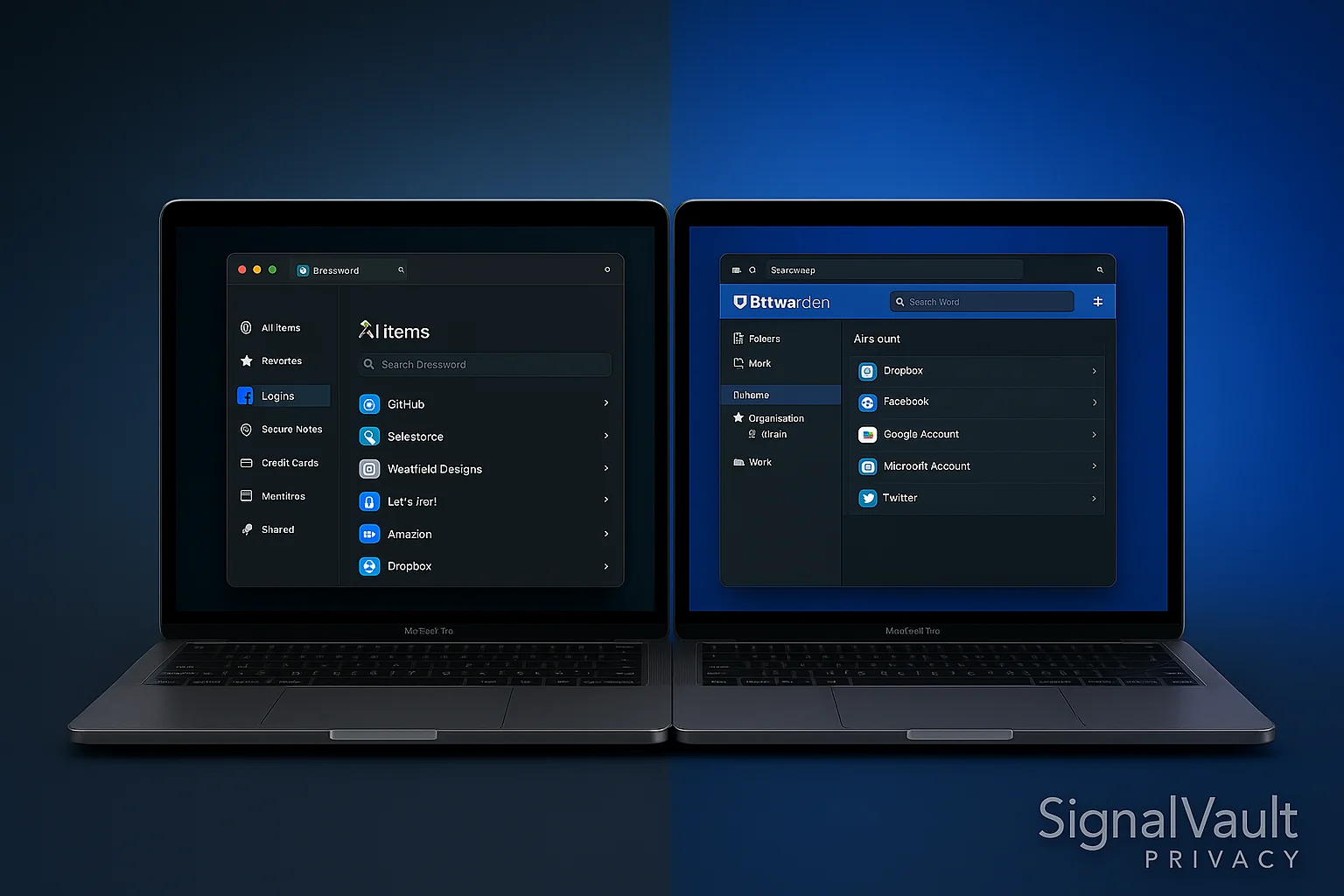
Password Manager Comparison
Compare key features and pricing to find the best option for your needs
| Feature | 1Password | Bitwarden |
|---|---|---|
| Storage | 1GB secure storage | Unlimited |
| Platforms | Windows, macOS, Linux, iOS, Android | Windows, macOS, Linux, iOS, Android, Web |
| Rating | | |
| Price | $2.99/month | $0/month |
Free password managers are good enough for many people in 2026, as long as you choose one with strong encryption, a trustworthy security record, and enough cross-device support for your real life.
The best free password manager for most people is Bitwarden. It gives you unlimited passwords, broad device support, and open-source transparency without forcing an upgrade immediately. Proton Pass is the best free fit if you already use Proton Mail or Proton VPN. KeePassXC is the best offline option if you do not want your password vault stored in a cloud account.
Quick Picks
| Need | Best free password manager | Why it fits |
|---|---|---|
| Most people | Bitwarden | Unlimited passwords, open-source code, useful free tier |
| Proton users | Proton Pass | Good free plan, email aliases, Proton ecosystem fit |
| Offline storage | KeePassXC | Local encrypted vault, no cloud account required |
| Family or team sharing | 1Password or NordPass | Paid plans handle sharing, recovery, and admin controls better |
Best Overall Free Password Manager: Bitwarden
Bitwarden is the safest first recommendation for a free password manager because it does not cripple the basics. You can store unlimited logins, generate strong passwords, sync across devices, and use two-factor authentication.
The main tradeoff is polish. Bitwarden is usable, but it does not feel as effortless as 1Password for families or less technical users. That matters if you are trying to get a spouse, parent, or team to actually use the password vault every day.
Use Bitwarden if:
- You want a free password manager with unlimited storage.
- You care about open-source code and independent audits.
- You are comfortable with a slightly more utilitarian interface.
Upgrade later if:
- You need emergency access, file storage, advanced sharing, or business controls.
- You want a smoother family rollout.
Best Free Password Manager for Proton Users: Proton Pass
Proton Pass is strongest when it is part of a Proton privacy stack. If you already use Proton Mail, Proton VPN, or SimpleLogin-style aliases, Proton Pass keeps identity protection, email privacy, and password storage under one account.
The free plan is especially useful for people who want aliases and basic password storage, but power users may still prefer Bitwarden for open-source password-manager maturity or 1Password for everyday polish.
Best Offline Free Password Manager: KeePassXC
KeePassXC stores an encrypted password database locally. That means there is no cloud account to breach, no subscription, and no vendor lock-in. The tradeoff is convenience: syncing across a phone, laptop, and tablet is your responsibility.
Use KeePassXC if you are technical, comfortable managing backups, and prefer local control. For most families and small teams, a cloud password manager is easier to maintain safely.
When a Free Password Manager Is Not Enough
Free plans are excellent for individual use, but they start to break down when sharing and recovery matter.
Consider a paid password manager when you need:
- Shared vaults for family members or employees.
- Admin controls for onboarding and offboarding.
- Secure document storage.
- Emergency access.
- Better support and recovery workflows.
- Business reporting or compliance features.
For those use cases, compare the main best password managers guide, then look at password managers for business, family password managers, or Android password managers depending on the setup you need.
Free Password Manager Safety Checklist
Before trusting any free password manager, check these basics:
- It uses strong encryption and a zero-knowledge model.
- It supports two-factor authentication.
- It has browser extensions and mobile apps for your devices.
- It can generate strong unique passwords.
- It has an export option so you are not trapped.
- It has a clear business model beyond harvesting user data.
FAQ
What is the best free password manager in 2026?
Bitwarden is the best free password manager for most people because it offers unlimited passwords, cross-device sync, and open-source transparency.
Is a free password manager safe?
Yes, if it is a reputable password manager with strong encryption, two-factor authentication, and a sustainable business model. A good free password manager is far safer than reusing passwords.
Should I use my browser’s password manager?
Browser password managers are better than nothing, but a dedicated password manager is usually stronger for cross-platform use, secure sharing, breach monitoring, and moving between browsers.
What should I do after choosing a free password manager?
Start by changing passwords for your email, banking, cloud storage, social accounts, and any account that stores payment information. Then work through lower-priority accounts over time.
Disclosure: This article may contain affiliate links. If you purchase through these links, we may earn a commission at no extra cost to you.